

Choosing the right telemedicine software for your clinic is one of the most consequential decisions you’ll make for your practice in 2026. With the global telehealth market projected to surpass $380 billion by 2030, clinics that invest in the right virtual care platform today are the ones that will lead tomorrow. Whether you’re a solo practitioner, a multi-specialty group, or a chronic disease management centre, knowing how to choose telemedicine software for your clinic — and what pitfalls to avoid — can mean the difference between a thriving digital practice and a costly technology mistake.
Why Getting This Decision Right Matters More Than Ever
The pandemic permanently shifted patient expectations. Patients no longer simply prefer digital access to their doctors — they expect it. According to a McKinsey report, telehealth utilisation is now 38 times higher than pre-pandemic levels. And patients with chronic conditions — diabetes, hypertension, heart disease — require continuity of care that a traditional appointment model simply cannot provide efficiently.
This is precisely where a platform like TeleSecure360 was built to serve: enabling healthcare professionals to manage their practice online, keep patients engaged with their own health data, and deliver chronic care management without the friction of physical visits.
But not every telemedicine solution is built the same. Here’s how to choose the right one.
1. Define What Your Clinic Actually Needs
Before you compare features, start with your own practice’s profile. Ask:
- Do you primarily handle acute consultations, or chronic care management?
- Do you need remote patient monitoring (RPM) capabilities?
- How many providers will use the platform simultaneously?
- What is your patient demographic — are they tech-comfortable or elderly and less digitally literate?
A general practice managing post-COVID follow-ups has very different needs from a cardiology clinic monitoring heart failure patients remotely. Matching the software to your workflow — not the other way around — is the first rule.
2. Prioritise Data Security and Compliance

This is non-negotiable. Any telemedicine platform you consider must comply with applicable data protection regulations — HIPAA in the United States, GDPR in Europe, and equivalent standards in your region. Health data is among the most sensitive personal information in existence, and a breach doesn’t just cost money — it destroys patient trust.
Look for:
- End-to-end encryption for video consultations and messaging
- Secure cloud storage with audit trails
- Role-based access control
- Regular third-party security audits
TeleSecure360, for example, is built around the principle that social media platforms and standard messaging services are fundamentally inappropriate for health discussions. The platform provides a dedicated, secure environment where doctors and patients can communicate without risk — something a WhatsApp group or generic Zoom call simply cannot guarantee.
3. Check EHR/EMR Integration Capabilities
Your telemedicine software should talk to your existing systems, not create silos. Before committing to any platform, verify whether it integrates with your current Electronic Health Record (EHR) or Electronic Medical Record (EMR) system.
Seamless integration means:
- Patient histories are available during virtual consultations
- Prescriptions and notes are automatically updated
- Billing and insurance claim processing remains uninterrupted
Poor integration leads to double data entry, administrative burnout, and clinical errors. Ask vendors directly: “Does this integrate with [your EHR system]? Show me a live demo.”
4. Evaluate the Patient Experience — Not Just the Doctor’s
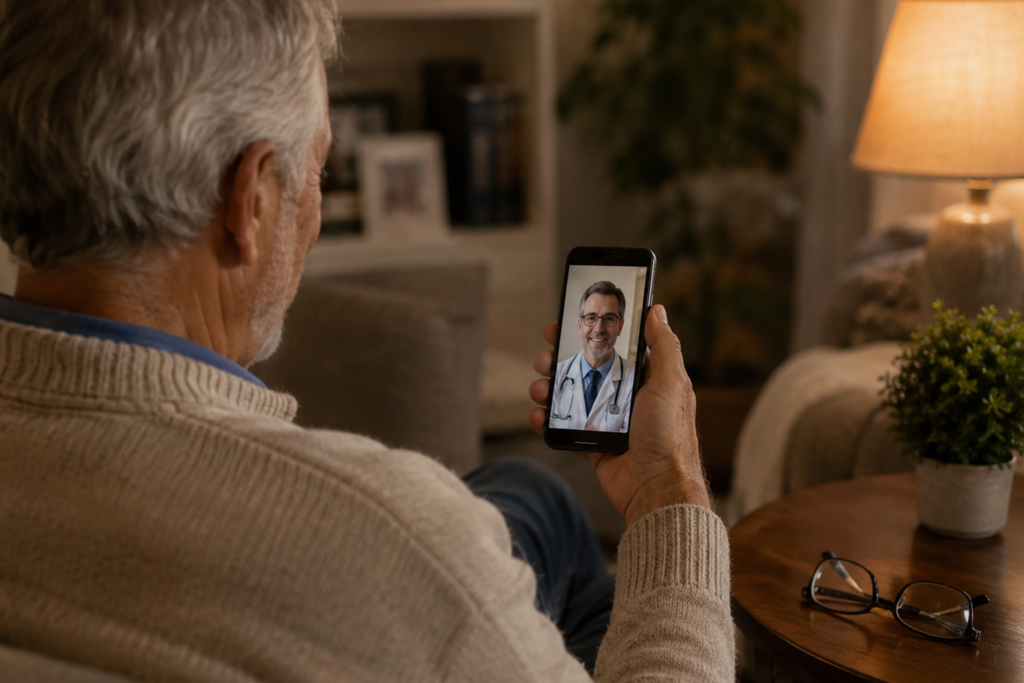
The best telemedicine software is the one your patients will actually use. A clunky interface leads to appointment no-shows, poor engagement, and ultimately, worse health outcomes.
Evaluate the patient-facing side for:
- Mobile accessibility — does it work seamlessly on Android and iOS?
- One-click join — can a 65-year-old patient connect to a video call without a 10-step tutorial?
- Patient portal features — can patients view their own health records, test results, and prescription history?
- Appointment reminders and alerts — automated nudges for medication schedules, follow-ups, and dietary plans
This matters especially for chronic disease patients, who, as TeleSecure360 recognises, often struggle to keep up with prescription schedules, dietary changes, and routine adjustments between clinic visits. A platform that puts patient health information at the centre of chronic care management empowers patients to take ownership of their own health — which directly improves clinical outcomes.
5. Look for Remote Patient Monitoring (RPM) Features
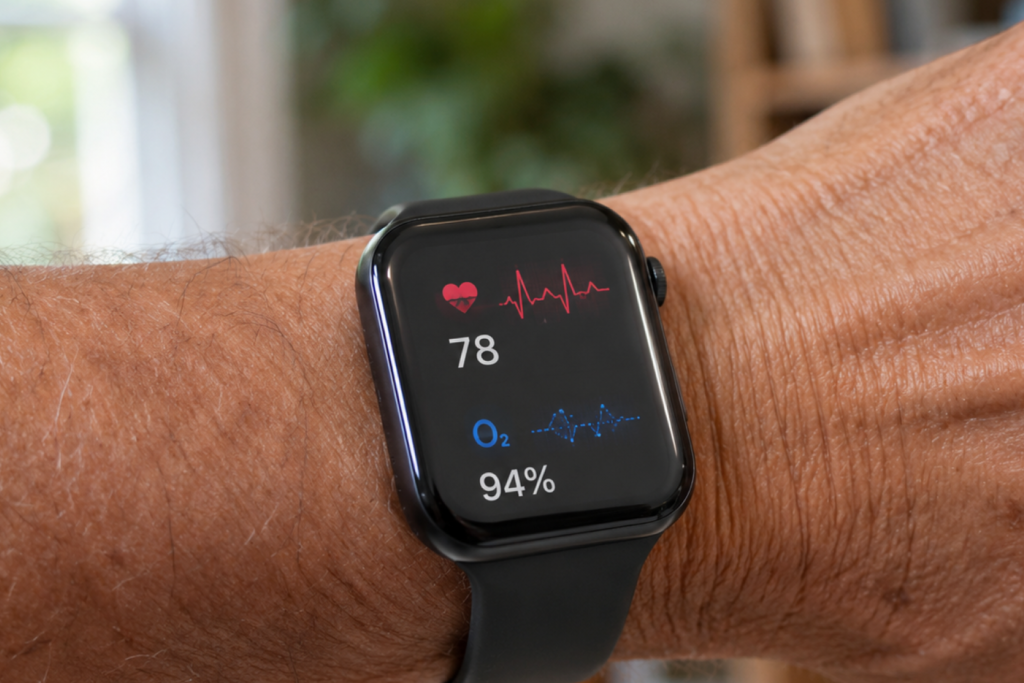
If your clinic handles any volume of chronic disease patients — and given rising rates of diabetes, hypertension, and cardiovascular conditions, most clinics do — remote patient monitoring is no longer a luxury feature. It’s a clinical necessity.
RPM tools allow you to:
- Monitor vital signs, blood glucose, or blood pressure data in real time
- Set alert thresholds so abnormal readings trigger immediate follow-up
- Reduce unnecessary emergency visits by catching deterioration early
- Build a longitudinal picture of a patient’s health between appointments
The key, however, is that RPM data is only useful when interpreted by a qualified healthcare professional. As TeleSecure360 rightly points out: without a real healthcare provider, interpreting a patient’s wearable or sensor data is challenging and potentially dangerous. The platform is designed to bridge exactly this gap — combining patient-generated health data with real clinical oversight.
6. Assess Scalability and Multi-Provider Support

Your clinic today may have three doctors. In two years, it may have fifteen. Choose a telemedicine software that scales with you — without requiring a painful migration or a complete system overhaul.
Ask vendors:
- What are the per-provider or per-patient pricing tiers?
- Can you add specialties (e.g., psychiatry, physiotherapy) without switching platforms?
- How does the system handle high-volume appointment days?
A scalable Virtual Practice environment — like the one TeleSecure360 provides — means that whether you’re a solo GP or a multi-specialty group, your infrastructure grows with your patient load, not against it.
7. Evaluate Vendor Support, Training, and Onboarding
Even the best software fails if your clinical team doesn’t know how to use it. Before signing any contract, scrutinise what happens after you sign.
Look for:
- Dedicated onboarding sessions for admin and clinical staff
- 24/7 technical support (or at minimum, support during your operating hours)
- Regular software updates and transparent release notes
- A clear SLA (Service Level Agreement) for downtime
A platform that was built by people genuinely committed to transforming healthcare — not just selling software licences — will show it in how they support you post-deployment. Ask for customer references. Talk to clinics already using the platform. A 30-minute call with a current user is worth more than any sales brochure.
8. Calculate the True Total Cost of Ownership
The headline subscription price is rarely the full picture. When comparing telemedicine platforms, calculate the total cost of ownership (TCO) over 24–36 months, including:
- Setup and implementation fees
- Staff training costs
- Integration development (if EHR connection requires custom work)
- Per-consultation or per-patient fees
- Upgrade and support costs
A platform that appears cheaper upfront may cost significantly more once you factor in integration work, downtime, and staff retraining. Conversely, a slightly more expensive solution with seamless onboarding, strong support, and proven clinical workflows often delivers a far better return on investment.
How TeleSecure360 Addresses These Criteria
TeleSecure360 was developed with a clear mission: to connect doctors and patients through a secure, accessible, and clinically meaningful digital platform. It provides healthcare professionals with a Virtual Practice accessible via both web and mobile applications — enabling secure reachability, online consultations, and remote patient monitoring within a single, integrated environment.
Unlike generic video conferencing tools pressed into clinical service, TeleSecure360 is purpose-built for healthcare. It addresses the reality that experienced healthcare professionals are not always locally available, that patients have extensive care needs between clinical visits, and that chronic disease management requires ongoing, responsive communication — not just annual check-ups.
For clinics evaluating telemedicine software in 2025, TeleSecure360 represents a platform that puts both the doctor’s workflow and the patient’s health journey at the centre of its design.
Frequently Asked Questions

What is the most important factor when choosing telemedicine software for a clinic?
Data security and regulatory compliance should be the top priority. Any platform handling protected health information must use end-to-end encryption, role-based access, and comply with applicable laws such as HIPAA or GDPR. After compliance, look at EHR integration and patient usability.
Can telemedicine software handle chronic disease management effectively?
Yes — but only platforms built with remote patient monitoring and care coordination features. Software that centralises patient health data, enables real-time monitoring, and facilitates ongoing communication between doctor and patient is essential for effective chronic care management.
Is telemedicine software suitable for small clinics or solo practitioners?
Absolutely. Many modern telemedicine platforms, including TeleSecure360, are designed to scale from solo practitioners to large multi-specialty groups. Look for flexible pricing tiers and straightforward onboarding so you’re not paying for complexity you don’t need.
How long does it take to implement telemedicine software in a clinic? Implementation timelines vary, but most cloud-based platforms can be operational within two to four weeks for smaller practices. Larger clinics with complex EHR integrations may need six to twelve weeks. Prioritise vendors who offer dedicated onboarding support to reduce this timeline.
What’s the difference between telemedicine software and a standard video call tool?
Telemedicine software is purpose-built for clinical environments — it includes secure messaging, patient health records, appointment scheduling, billing integration, and remote monitoring. Standard video tools like Zoom or Google Meet lack clinical-grade security, compliance features, and health data management.
Conclusion

Knowing how to choose telemedicine software for your clinic isn’t about finding the most feature-rich platform on the market — it’s about finding the right fit for your patients, your team, and your clinical workflows. Start with compliance, prioritise patient experience, demand EHR integration, and never underestimate the value of post-sales support.
The clinics that will lead in the next decade are those making smart, informed technology decisions today. TeleSecure360 is built for exactly that future — connecting healthcare professionals and patients in a secure, scalable, and genuinely useful way.
