

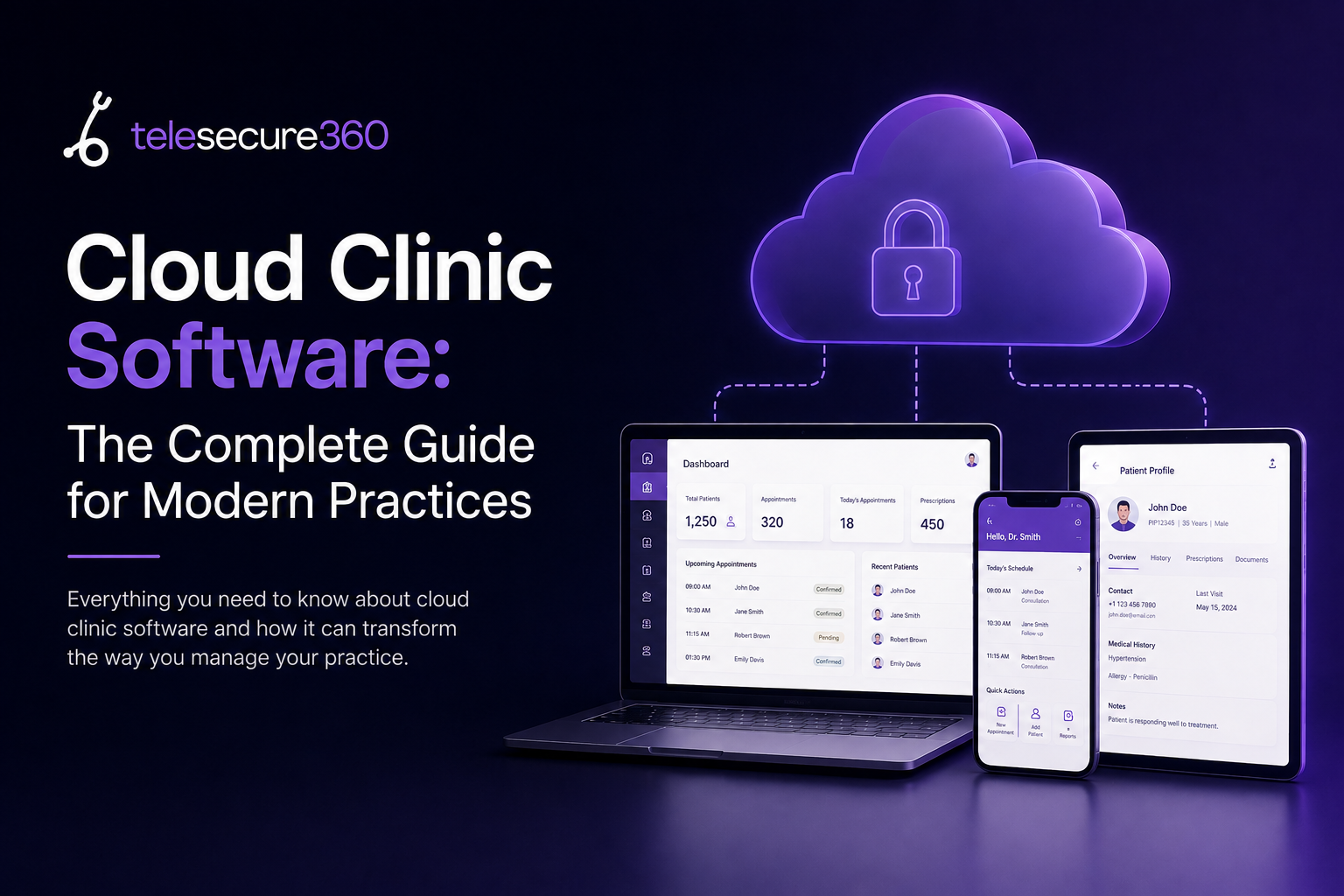
Running a clinic today means juggling patient records, appointment schedules, prescriptions, and follow-ups — often across multiple systems that don’t talk to each other. Cloud clinic software solves this by moving your entire practice onto a single, secure, internet-based platform that you and your patients can access from anywhere. Instead of chasing paper charts or logging into disconnected desktop tools, you get one system that keeps your clinic connected, compliant, and reachable.
We built TeleSecure360 around exactly this problem. Our platform gives healthcare professionals a virtual practice they can run securely, from any device, while keeping patients engaged in their own care. In this guide, we’ll break down what cloud clinic software actually does, why more clinics are adopting it, what to look for before you buy, and how to know if it’s the right move for your practice.
What Is Cloud Clinic Software?
Cloud clinic software is a practice management and patient engagement system hosted on remote servers rather than on a computer inside your clinic. You log in through a web browser or mobile app, and your data — patient records, schedules, billing, messages — lives on encrypted servers maintained by your software provider instead of a hard drive in your back office.
For clinic owners, this means no server room, no manual backups, and no being tied to a single desk to check today’s schedule. For patients, it means being able to message their doctor, view lab results, or join a video consultation without stepping into the clinic.
How It Differs From On-Premise Practice Management Systems
Traditional, on-premise practice management software runs on local hardware you own and maintain. Updates, security patches, and backups are your responsibility — and your IT team’s. Cloud clinic software shifts that burden to the vendor. You get automatic updates, off-site backups, and access from any internet-connected device, usually for a predictable monthly subscription instead of a large upfront hardware investment.
The trade-off clinics used to worry about was security — but as we’ll cover below, modern cloud platforms are generally more secure than in-house servers, not less.
Why Clinics Are Moving to the Cloud in 2026
The shift toward cloud-based clinic software isn’t a trend confined to large hospital systems. Independent clinics, single-specialty practices, and multi-location groups are all making the same move, and the reasons are consistent: lower infrastructure costs, easier compliance, and patients who now expect a digital-first experience from their healthcare providers.
The Numbers Behind the Shift
The scale of this shift shows up clearly in recent market data. More than 64% of global hospitals have integrated some form of cloud-based health management platform for electronic medical records, scheduling, and clinical data exchange, and over 72% of healthcare providers now rely on cloud-hosted applications to support telehealth services and digital patient engagement.¹ At the clinic level specifically, cloud-based adoption reaches roughly 67% within clinic settings, with more than 210,000 outpatient clinics globally now using electronic documentation systems.²
Telehealth itself has grown just as fast. Telemedicine consultations increased by more than 300% globally between 2020 and 2024, and approximately 63% of virtual healthcare visits now rely on cloud-based clinical management systems.¹ The broader clinic management software market reflects this momentum too — as of 2026, more than 78% of ambulatory care facilities in developed economies have adopted some form of digital practice management platform.³
In India specifically, the push toward digital clinics has government backing as well: the National Digital Health Mission is actively encouraging providers to move patient records onto cloud infrastructure as part of a broader digitization push. Clinics that wait to adopt cloud software aren’t just missing efficiency gains — they’re falling behind where patient expectations and regulatory direction are both heading.
Cost and staffing pressure are accelerating the shift too. Traditional on-premise systems demand upfront spending on servers, storage, and dedicated IT support — resources that are increasingly out of reach for small and mid-sized clinics already managing thin margins. At the same time, healthcare is facing real workforce shortages, particularly in administrative and support roles. Cloud clinic software addresses both pressures at once: it removes the hardware investment entirely, and its automation features — appointment reminders, digital intake, automated billing — let existing staff handle a higher patient volume without expanding headcount.
Core Features to Look for in Cloud Clinic Software
Not all cloud clinic software solves the same problems. Before choosing a platform, it helps to know which features actually move the needle for a clinic’s day-to-day operations.
Virtual Consultations and Remote Monitoring
The core promise of cloud clinic software is letting doctors and patients connect without both being in the same room. Look for secure video consultations, asynchronous messaging, and tools that let you monitor a patient’s condition — vitals, symptoms, medication adherence — between visits rather than only during them.
Secure Patient Records and Chronic Care Tools
For patients managing ongoing conditions like diabetes, hypertension, or heart disease, the real value isn’t a single virtual visit — it’s continuity. Cloud clinic software should put a patient’s full health history in one place and support the kind of ongoing tracking that chronic care demands: medication schedules, dietary notes, and trend data over time, not just a snapshot from the last appointment.
Scheduling, Billing, and Administrative Automation
Beyond the clinical side, cloud platforms should reduce administrative load — automated appointment reminders, online booking, and billing that doesn’t require a separate system. This is often where clinics see the fastest return, since front-desk time saved translates directly into either lower staffing costs or more time spent with patients.
Benefits of Cloud Clinic Software for Clinic Owners
For the person running the practice, the case for cloud clinic software comes down to three things: cost, flexibility, and reach.
- Lower upfront costs. Subscription-based cloud platforms replace large hardware and server investments with predictable monthly fees.
- Reduced IT burden. Updates, security patches, and backups are handled by the vendor, not an in-house IT team.
- Broader patient reach. A virtual practice lets you see patients beyond your immediate geography, which matters most in areas where experienced specialists aren’t always locally available.
- Better continuity of care. Remote monitoring tools mean you’re not relying on a patient to accurately recall two weeks of symptoms during a ten-minute visit.
- Staff efficiency. Automated scheduling and billing free up front-desk and administrative staff for higher-value work.
Benefits for Patients
Patients adopt cloud-connected clinics for reasons that mirror what clinic owners get, just from the other side of the relationship. They want healthcare providers who are reachable without requiring a trip to the clinic for every question, and they want a real clinician interpreting their health data — not a fitness app or a social media group. Cloud clinic software gives patients a secure channel to their actual doctor, direct access to their own health records, and a way to stay on top of prescriptions and routine care adjustments without disrupting their work or personal schedule.
Is Cloud Clinic Software Secure? Addressing the Compliance Question
Security is usually the first objection clinic owners raise, and it’s a fair one — patient health data is sensitive, and a breach carries both legal and reputational consequences. The good news is that reputable cloud clinic software is generally built to a higher security standard than most individual clinics could maintain on their own hardware: encrypted data storage, access controls, audit logs, and dedicated compliance teams that track evolving regulations.
That said, security depends entirely on the platform. Before adopting any cloud clinic software, confirm how it handles data encryption (both in transit and at rest), who has access to patient records, how backups work, and what compliance certifications it holds relevant to your region. (Internal link placeholder: link to our HIPAA-compliant telemedicine platform guide here — destination URL needed.)
How TeleSecure360 Approaches Cloud Clinic Software
We built TeleSecure360 to give healthcare professionals a virtual practice — a secure way to stay reachable to patients through web and mobile applications, without sacrificing the clinical judgment that only a real provider can offer. Our platform is designed around a simple belief: technology can extend a doctor’s reach, but it can’t replace the doctor. Health sensors and online symptom trackers generate data, but interpreting that data safely still requires a healthcare professional who understands the patient’s full history.
That’s why TeleSecure360 puts patient health information at the center of chronic care management rather than treating virtual visits as a one-off convenience feature. Clinics using our platform can consult patients online, monitor them remotely between visits, and give patients direct access to their own records — all through infrastructure we manage, so clinic owners aren’t left maintaining servers or chasing compliance updates on their own. (Internal link placeholder: link to our EMR integration guide here — destination URL needed.)
How to Choose the Right Cloud Clinic Software for Your Practice
If you’re evaluating cloud clinic software for your clinic, a few questions will narrow the field quickly:
- Does it support your specialty’s workflow, or is it a generic system you’ll need to work around?
- What’s included in the subscription versus billed as an add-on — video consultations, remote monitoring, and billing tools vary widely by vendor.
- How is patient data secured, and does the vendor publish its compliance certifications?
- Can patients access it easily on their own devices without a steep learning curve?
- What does onboarding and support look like once you’ve signed up?
It’s also worth asking how a vendor handles growth. A single-provider clinic today may add a second location or a new specialty within a year or two, and switching platforms mid-stream is disruptive and costly. Cloud clinic software should scale with you — adding providers, locations, or patient volume without a system migration.
If your clinic is ready to move forward, our team can walk you through a live demo of how TeleSecure360 handles each of these. (Internal link placeholder: link to demo/pricing page here — destination URL needed.)
Frequently Asked Questions
What is cloud clinic software? Cloud clinic software is a practice management and patient engagement platform hosted online rather than on local servers. It lets healthcare providers manage schedules, records, billing, and virtual consultations from any internet-connected device.
Is cloud clinic software secure for patient data? Yes, when built by a reputable vendor. Look for encrypted storage, strict access controls, and compliance certifications relevant to your region before adopting any platform.
How much does cloud clinic software cost? Pricing varies by vendor and feature set, typically as a monthly subscription based on provider count or patient volume, rather than a large upfront hardware purchase.
Can cloud clinic software replace in-person visits entirely? No. It extends a clinic’s reach for consultations, monitoring, and follow-ups, but in-person exams remain necessary for many diagnoses and procedures.
Do patients need special equipment to use cloud clinic software? Most platforms, including TeleSecure360, work through standard web browsers and mobile apps, so patients typically only need a smartphone, tablet, or computer with internet access.
Conclusion
Cloud clinic software has moved from a nice-to-have to a baseline expectation — for patients who want accessible care and for clinic owners who need lower overhead and better continuity. The clinics adopting it now aren’t just cutting costs; they’re building the kind of ongoing, data-informed patient relationships that chronic care demands. If you’re ready to see what a secure, cloud-based virtual practice looks like in action, TeleSecure360 was built for exactly this shift — reach out for a demo and see how it fits your clinic.
