

Why Your Telemedicine HIPAA Checklist Can Make or Break Your Practice
Every healthcare provider moving consultations online faces the same critical question: is our telemedicine setup actually HIPAA-compliant? A telemedicine HIPAA checklist is not a one-time box-ticking exercise — it is the structural backbone of a trustworthy virtual practice. With OCR (Office for Civil Rights) penalties reaching up to $1.9 million per violation category per year, and with telehealth visits now accounting for nearly 1 in 5 outpatient visits in the United States, compliance has never been more consequential.
The good news? Compliance is achievable with the right framework, the right platform, and a clear checklist you revisit regularly. This guide gives you exactly that — practical, actionable, and built around real-world healthcare operations.
Understanding HIPAA’s Core Rules in a Telehealth Context
Before diving into the checklist itself, it helps to quickly map HIPAA’s three main rules onto telemedicine operations:
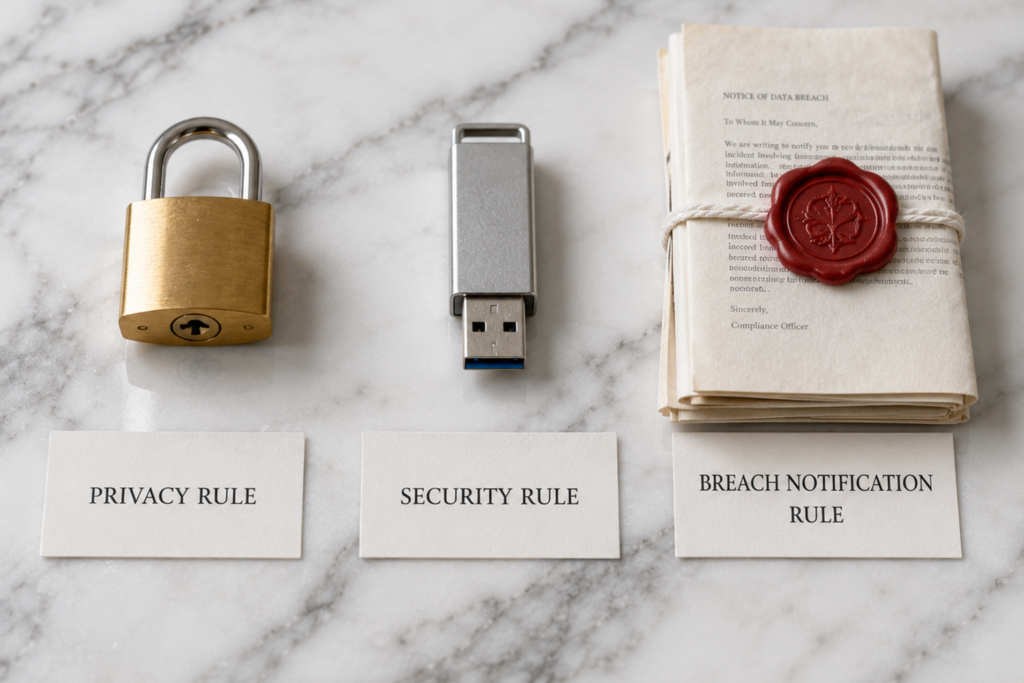
The Privacy Rule governs how Protected Health Information (PHI) — any data that can identify a patient and relates to their health — is used and disclosed. In telemedicine, this means everything from what you say on a video call to what you type in a chat box.
The Security Rule applies specifically to electronic PHI (ePHI). It requires administrative, physical, and technical safeguards. Every telemedicine session, every cloud-stored clinical note, every prescription sent digitally falls under this rule.
The Breach Notification Rule mandates that practices notify affected patients, HHS, and in many cases the media within 60 days of discovering a breach involving unsecured PHI.
Understanding these three pillars makes every item on a telemedicine HIPAA checklist far more intuitive — you can trace each requirement directly back to one of these rules.
The Complete Telemedicine HIPAA Checklist (2026 Edition)
1. Platform and Technology Requirements

Your telemedicine platform is the foundation of HIPAA compliance. Using a non-compliant tool is the single fastest way to trigger a violation.
- Choose a HIPAA-compliant video conferencing platform that offers end-to-end encryption. Consumer tools like FaceTime, standard Zoom, or Google Meet do not meet HIPAA requirements out of the box.
- Sign a Business Associate Agreement (BAA) with your telehealth platform vendor before the first session. No BAA = no compliance, period.
- Ensure the platform encrypts data in transit and at rest. AES-256 encryption is the current industry standard.
- Verify that session recordings (if used) are stored in a HIPAA-compliant environment, not on local drives or general-purpose cloud storage.
- Confirm your EHR, billing software, and patient messaging tools all have active BAAs and HIPAA-compliant security configurations.
Platforms like TeleSecure360 are purpose-built for this — combining encrypted video consultations, secure patient messaging, and remote monitoring in one compliant environment, which eliminates the patchwork risk that comes from combining multiple consumer-grade tools.
2. Administrative Safeguards
Administrative safeguards are the policies and procedures that govern how your team handles PHI. Regulators look here first during audits.

- Conduct an annual Security Risk Assessment (SRA). This is not optional — it is an explicit HIPAA requirement. The SRA identifies vulnerabilities in how ePHI is created, stored, transmitted, and destroyed.
- Appoint a designated HIPAA Privacy Officer and Security Officer. Smaller practices can assign both roles to one person, but someone must be accountable.
- Train every workforce member on HIPAA policies before they access any PHI — including front desk staff, billing coders, and IT support.
- Document all training with dates and attestations. If it is not documented, it did not happen in the eyes of an auditor.
- Establish a workforce sanction policy that outlines consequences for HIPAA violations — ranging from retraining to termination.
- Create and maintain a contingency plan for data backup and disaster recovery, including telemedicine system outages.
3. Technical Safeguards for Telemedicine
Technical safeguards are where most telemedicine practices fall short, often because technology moves faster than policy.
- Implement role-based access controls (RBAC). Physicians, nurses, billing staff, and administrative personnel should only see the patient data they actually need.
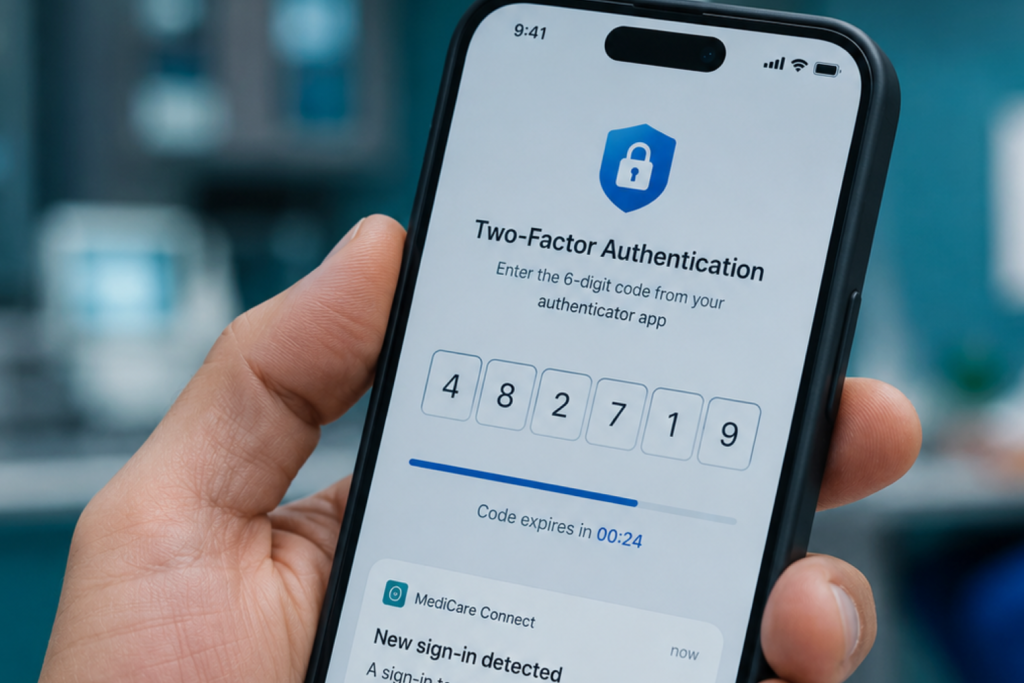
- Require multi-factor authentication (MFA) for all logins to systems that access ePHI. A password alone is no longer sufficient.
- Maintain automatic session timeouts. If a provider steps away from a device, the session should lock after a defined period — typically 5–15 minutes.
- Enable comprehensive audit logging for all ePHI access, modification, and transmission. Logs must be retained for a minimum of 6 years.
- Encrypt all devices used to conduct telemedicine sessions, including laptops, tablets, and smartphones.
- Ensure remote wipe capability on all mobile devices. A lost or stolen unlocked device is a reportable breach.
- Use a secure, dedicated network — ideally a VPN — for telemedicine sessions. Conducting sessions on public Wi-Fi without a VPN is a significant risk.
4. Physical Safeguards
Even in a virtual practice, physical security matters — especially for hybrid clinics that maintain both in-person and online care.
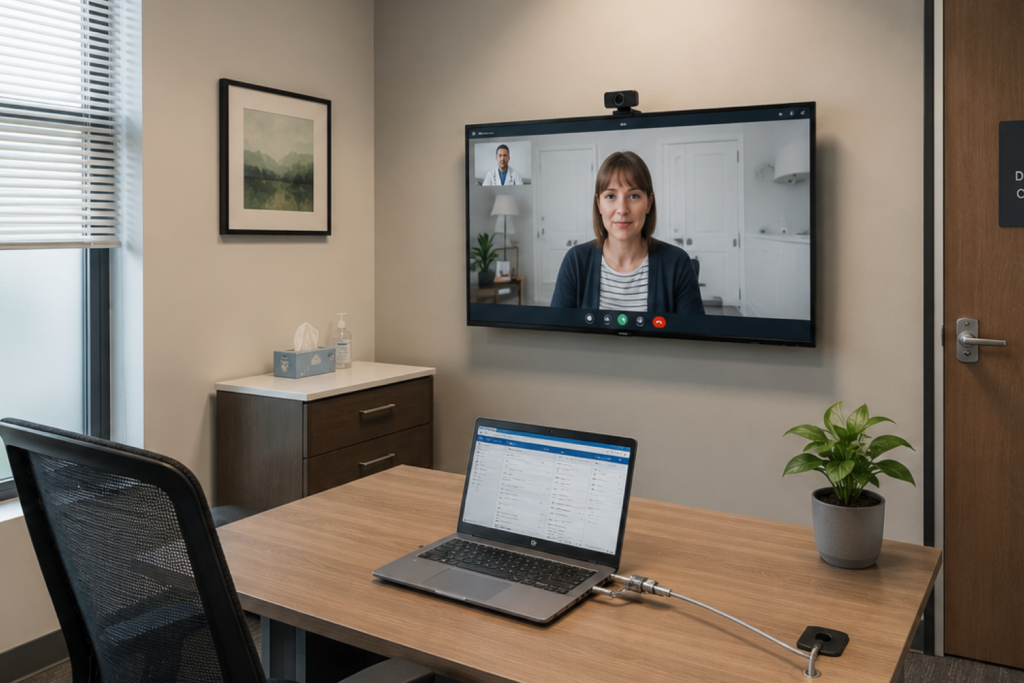
- Conduct telehealth sessions in a private space where the conversation cannot be overheard by unauthorized individuals — this includes reception areas and open-plan offices.
- Position screens so patient information is not visible to passersby.
- Secure physical workstations with cable locks or in locked rooms when not in use.
- Establish a media disposal policy for devices, hard drives, and printed PHI. Simply deleting files or placing paper records in recycling is not compliant.
- Control physical access to server rooms or any on-site infrastructure hosting ePHI.
5. Patient Consent and Communication Compliance
How you communicate with patients — before, during, and after a telehealth visit — is as important as the platform you use.

- Obtain and document informed consent for telemedicine before the first session. Patients have the right to understand they are engaging in a virtual visit, including its limitations.
- Provide patients with your Notice of Privacy Practices (NPP) and obtain a signed acknowledgment.
- Never use standard SMS, personal email, WhatsApp, Facebook Messenger, or social media DMs for any communication containing PHI. These channels are not HIPAA-compliant.
- Use only HIPAA-compliant messaging tools with BAAs in place for appointment reminders, clinical follow-ups, and prescription communication.
- Verify patient identity at the start of each telemedicine session using at least two identifiers (e.g., full name + date of birth).
TeleSecure360 addresses this directly by providing a secure, dedicated channel between doctors and patients — keeping health conversations out of social media platforms and messaging apps where they simply do not belong.
6. Business Associate Management
Many telemedicine breaches originate not from the practice itself but from third-party vendors with inadequate security.
- Identify every Business Associate — any third party that creates, receives, maintains, or transmits PHI on your behalf.
- Execute a Business Associate Agreement (BAA) with each one before sharing any PHI.
- Review and update BAAs regularly, especially when vendors update their services or you onboard new tools.
- Conduct vendor due diligence. Ask vendors for their HIPAA compliance certifications, SOC 2 reports, and security documentation.
- Include breach notification requirements in every BAA — vendors must notify you of a breach within 60 days.
7. Breach Response and Incident Management
No system is entirely breach-proof. What separates compliant practices from non-compliant ones is how quickly and thoroughly they respond.

- Establish a documented Breach Notification Policy that maps out the exact steps to follow within the first 24, 48, and 60 days after discovering a breach.
- Train your team to recognize and immediately report potential breaches — including lost devices, misdirected faxes, and unauthorized access attempts.
- Notify affected individuals within 60 days of breach discovery, in writing.
- Report breaches involving 500 or more individuals to HHS and local media without unreasonable delay.
- Log all incidents, even those that do not ultimately qualify as reportable breaches. Patterns in your incident log can reveal systemic vulnerabilities before they become major events.
Common Telemedicine HIPAA Mistakes to Avoid
Even well-intentioned practices make these errors repeatedly:
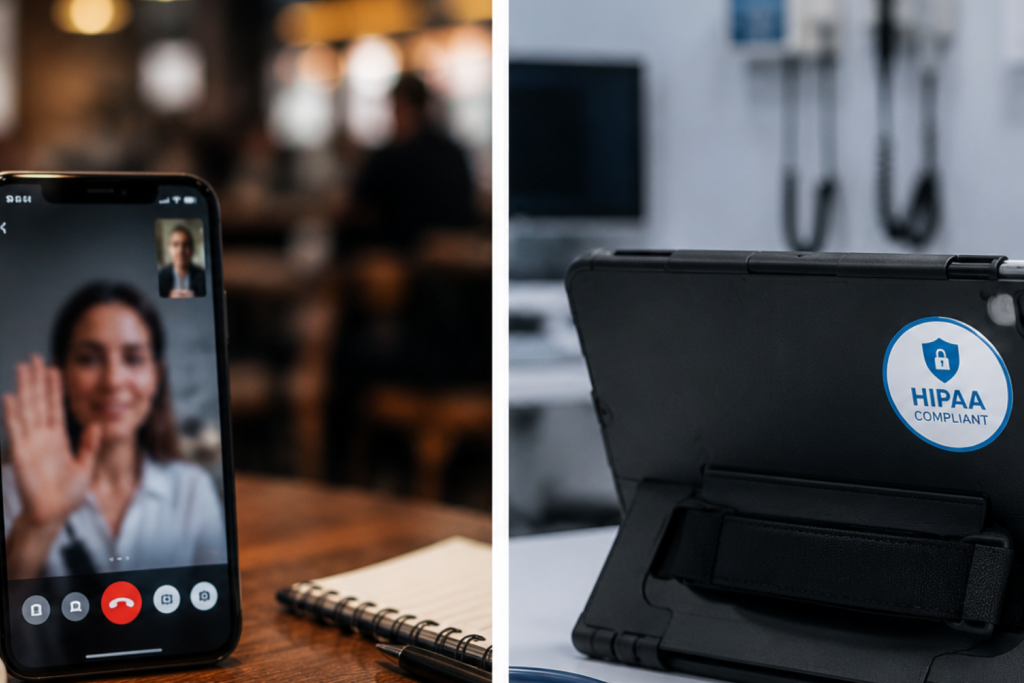
Using consumer video tools without a BAA. Standard Zoom, Skype, and FaceTime do not include a BAA by default. Healthcare Zoom (with a signed BAA) is different — know what you are using.
Skipping the annual Security Risk Assessment. The SRA is the most commonly cited missing element in HIPAA enforcement actions. It is not bureaucracy — it is your early warning system.
Ignoring mobile device security. Telemedicine is conducted on mobile. Unencrypted, unmanaged personal phones used for patient care are compliance time bombs.
Treating patient messaging as informal. Sending a follow-up through WhatsApp because it is quick and easy is a violation — regardless of intent.
Assuming the platform handles everything. Your telehealth platform handles transmission security. It cannot write your policies, train your staff, or decide who has access to what. Compliance is a shared responsibility.
Frequently Asked Questions
What is a telemedicine HIPAA checklist?
A telemedicine HIPAA checklist is a structured list of administrative, technical, physical, and policy requirements that healthcare providers must meet to deliver virtual care in compliance with the Health Insurance Portability and Accountability Act. It covers platform security, patient consent, staff training, vendor agreements, and breach response procedures.
Is telemedicine automatically HIPAA-compliant?
No. Telemedicine is only HIPAA-compliant when the provider uses a compliant platform with a signed Business Associate Agreement, implements appropriate safeguards, trains staff, and follows documented policies. The medium (video vs. in-person) does not determine compliance — the controls around it do.
Do I need a BAA with my telemedicine platform?
Yes, without exception. Any technology vendor that handles ePHI on your behalf is a Business Associate under HIPAA. Without a signed BAA, using that vendor for telehealth is a violation — regardless of how secure their platform is.
What happens if my telemedicine practice is found non-compliant? Penalties range from $100 to $50,000 per violation, up to a maximum of $1.9 million per violation category per year. Serious or willful violations can result in criminal charges. Beyond fines, breaches damage patient trust irreparably.
How often should I review my telemedicine HIPAA checklist?
At minimum, annually — and additionally whenever you onboard a new technology vendor, hire new staff, change clinical workflows, or encounter an incident or near-miss. HIPAA compliance is not static; it must evolve alongside your practice.
Can patients use regular smartphones for telemedicine visits?
Yes — the HIPAA obligation is on the provider, not the patient. You are responsible for securing your end of the connection. Patients are not required to use HIPAA-compliant devices, but you should never transmit ePHI to a patient through channels that expose data on your side.
The Bottom Line: Compliance Is Patient Care
A telemedicine HIPAA checklist is more than a regulatory requirement — it is a patient care standard. When patients share symptoms, diagnoses, and medication histories over a video call, they are placing extraordinary trust in your practice’s ability to keep that information safe. Earning that trust requires more than good intentions; it requires a deliberate, documented, and consistently enforced compliance framework.

Platforms like TeleSecure360 are built precisely for this reality — giving healthcare professionals a secure virtual practice where they can consult, monitor, and communicate with patients without compromising privacy or compliance. When the infrastructure is right, compliance becomes less of a burden and more of a natural byproduct of how you deliver care.
Start with this checklist. Revisit it regularly. And remember: in telemedicine, security is the standard of care.
Ready to build a compliant virtual practice? Explore TeleSecure360 — a HIPAA-aligned digital platform designed to connect doctors and patients securely, across web and mobile.
